Kaspersky Warns of Microsoft Phishing Scam Using Fake Emails and Authentication Links
Hackers are abusing Microsoft authentication services to send fake emails and steal user data. Learn how the phishing scam works and how to stay safe.
 Tech Author
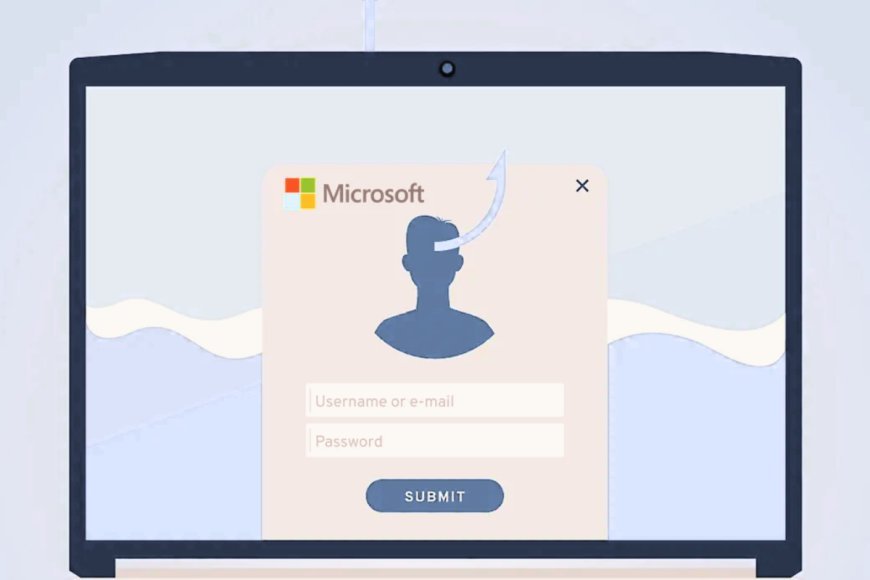
Cybercriminals are finding new ways to make phishing attacks harder to detect by exploiting Microsoft’s official authentication services. According to cybersecurity company Kaspersky, attackers are misusing Microsoft Entra to make fraudulent emails and links appear more legitimate, increasing the chances that unsuspecting users will fall for online scams.
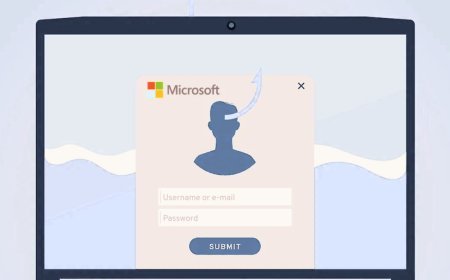
In these attacks, victims receive emails that look like official Microsoft messages. They may be asked to update account details, verify login information or sign electronic documents. Clicking a link can redirect them to a fake website designed to steal login credentials or download malicious software.
Kaspersky explains that attackers begin by creating a Microsoft account and registering a new application through the Microsoft Entra admin centre. During registration, they add a malicious website as the application's redirect address.
The attackers then send victims links that use Microsoft's legitimate authentication system. Because the links rely on a trusted service, they may appear genuine at first glance. When users click them, they can be redirected to websites controlled by the attackers, where their personal information and login credentials may be stolen.
Cybercriminals are also abusing legitimate Microsoft service notifications to deliver fraudulent messages. They create fake user accounts and exploit account recovery features to trigger emails to their targets. The scammers can place deceptive messages in the subject line or signature, making the notifications look more convincing.
Traditional phishing emails often contain obvious warning signs, such as suspicious links, spelling mistakes or unfamiliar sender addresses. However, Microsoft authentication phishing attacks can take advantage of genuine online services, making it harder for users to distinguish a scam from a legitimate notification.
A message that passes through a trusted service is not necessarily safe. Attackers can abuse legitimate platforms to make their campaigns appear credible, so users should not rely on a familiar brand name or official-looking email alone.
Kaspersky warns that even a notification associated with a genuine service can be part of a scam. Users should therefore check where links lead and be cautious of unexpected requests involving account access or personal information.
Users should avoid clicking unexpected links or sharing passwords and verification codes in response to unsolicited emails. If a message asks you to update your Microsoft account, open the official website directly instead of using the link in the email.
Businesses should also use email security and anti-phishing tools to detect suspicious messages before they reach employees. Enabling multi-factor authentication, reviewing account activity and training staff to recognise scams can provide extra protection.
The attack highlights how cybercriminals are finding new ways to misuse trusted online services. Staying alert and using reliable security tools can help protect personal information from increasingly convincing phishing scams.
This article is based on information from Kaspersky