NAS Hard Drive Health: Signs of NAS Hard Drive Failure You Should Never Ignore
Learn warning signs of NAS HDD failure, including bad sectors, strange noises, slow transfers, file errors and S.M.A.R.T. warnings.
 Tech Author
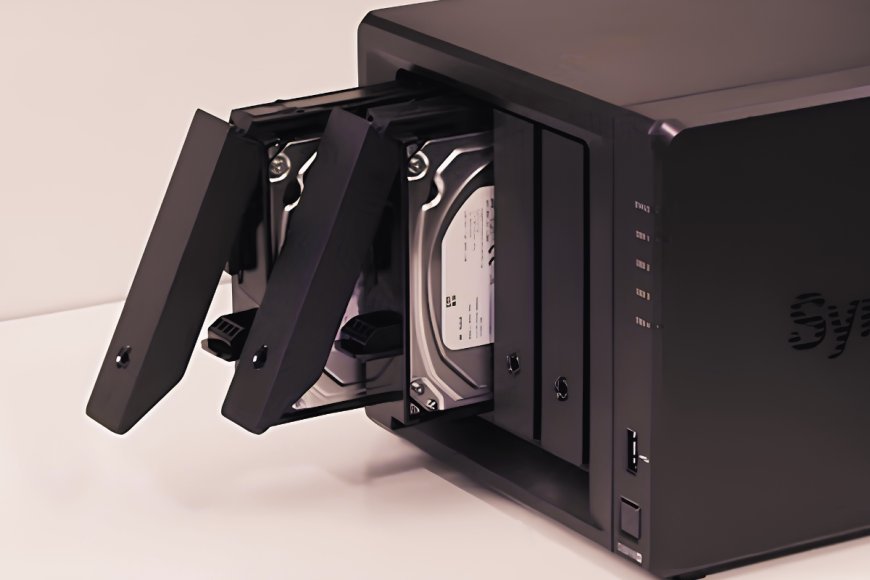
A NAS (Network Attached Storage) device often works as the main storage hub for backups, photos, videos, documents and other important files. Since NAS hard drives can run for long hours every day, they can eventually develop problems. Watching for early signs of NAS HDD failure can help you protect your data and avoid unexpected downtime.
File Transfers Become Very Slow
A sudden drop in NAS read and write speeds can be a warning sign. Network issues and RAID settings can affect performance, but an hard disk that is starting to fail may also cause unusually slow file transfers. Bad sectors can force the drive to spend more time reading or writing data. If one hard disk begins struggling, it can also slow down the performance of the entire RAID storage pool.
Files Suddenly Become Inaccessible
If files on your NAS suddenly stop opening, folders disappear, or strange errors appear, the HDD may have bad sectors. Data corruption can make files unreadable and put important data at risk. Check the drive’s health immediately, back up accessible files, and consider replacing the HDD if problems continue.
S.M.A.R.T. Shows Warning Signs
S.M.A.R.T. monitoring is one of the easiest ways to check the health of a NAS hard drive. It tracks important information about the drive and can show early signs of possible failure. Pay attention to metrics such as Reallocated Sector Count (how many damaged sectors the HDD has replaced with healthy sectors), Uncorrectable Sector Count (how many sectors the HDD cannot read or recover properly), Spin Retry Count (how many times the HDD had to try again to get its spinning platters running correctly) and Seek Error Rate (how often the HDD's read/write head has trouble finding the correct position on the disk). A sudden increase in these values can indicate that an HDD is developing problems.
NAS Hard Disk Makes Strange Sounds
NAS hard drives naturally make some noise because they contain moving parts. Normal humming, clicking and seeking sounds are common while the drive is operating. However, loud clicking, grinding, screeching or repeated unusual noises should not be ignored. These sounds can indicate mechanical problems with the HDD. If a NAS drive suddenly becomes much noisier than usual, check its S.M.A.R.T. status and back up important files immediately.
NAS hard drives can sometimes fail without warning, making regular NAS drive health checks and backups essential. Follow the 3-2-1 backup rule, and remember that RAID is not a substitute for a backup. Keeping a spare HDD ready can also help speed up recovery if a drive fails.
Regular S.M.A.R.T. monitoring, reliable backups and early replacement of failing drives can help keep your NAS storage system dependable. If your drive shows warning signs, back up your important data now and replace the drive as soon as possible.
This article is based on information from XDA Developers