Simple Ways to Extend HDD Lifespan, Improve Hard Drive Health and Prevent Unexpected Storage Drive Failure
Learn simple ways to extend HDD lifespan, improve hard drive health, reduce mechanical wear, prevent failure, protect data, and maintain reliable storage through proper HDD care and regular maintenance.
 Tech Author
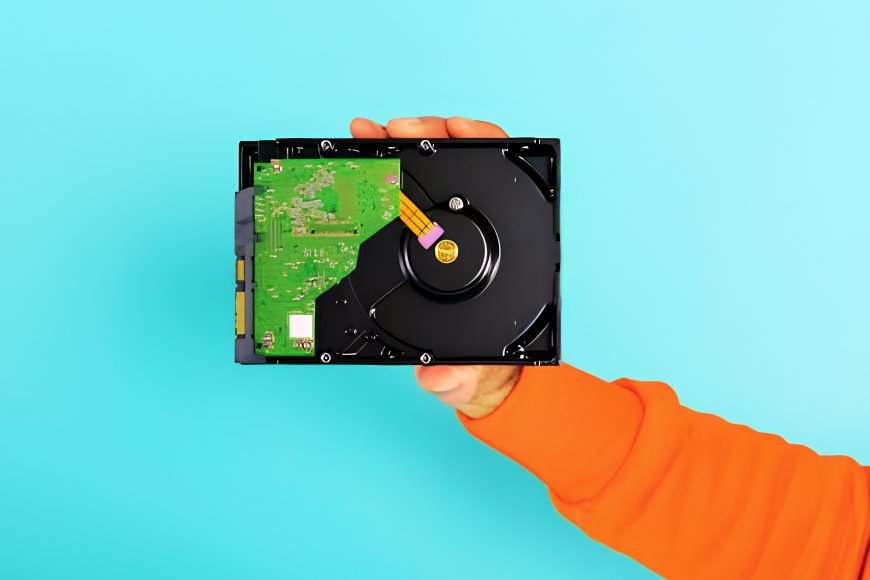
Data protection is critical for anyone who still utilizes a standard hard drive. Despite being slower than SSDs, HDDs are still useful for storing large amounts of files, images, videos, backups, and other data. With proper care, you may ensure that your hard drive will last for many years.
HDDs have spinning platters and moving parts, which can wear out over time. However, proper maintenance can reduce unnecessary stress and lessen the possibility of an unexpected hard disk failure.
Check Your Hard Drive Health Regularly
Monitoring HDD health might help you identify problems before the drive fails completely. Windows includes certain built-in features, and applications can check S.M.A.R.T. and other drive health details. Pay close attention to warning signs such as slow performance, read or write problems, clicking sounds, or strange grinding noises. If you encounter these issues, back up essential files right away.
Keep Some Free Storage Space
Try not to fill an HDD entirely. Keeping approximately 10% free capacity can help the drive run smoothly, especially if it is used frequently or contains the operating system. Deleting unnecessary files or transferring older data to another storage device can help maintain sufficient free space.
Avoid Heavy Write Workloads
Hard disk drives are better suited for storing files and backups than handling constant read and write activity. Using an HDD for tasks such as a paging file or temporary working drive can increase activity and put more stress on its mechanical parts. For heavy workloads, an SSD is usually a better choice because it has no moving parts and provides much faster access.
Protect Your HDD From Shocks and Vibrations
Physical damage is one of the most serious threats to a hard disk drive. Dropping or moving an HDD while it is functioning might cause internal damage. Keep external and internal drives safely stored. If you need to move an HDD, turn it off first and provide appropriate protection. Avoid placing the drive in areas where it could fall or experience strong vibrations.
Defragment HDDs When Necessary
Files can become scattered across an HDD over time, which may affect performance. Defragmentation reorganizes these files so the drive can access them more efficiently. Modern versions of Windows can automatically optimize hard drives, so manual defragmentation is usually not needed frequently. Remember that traditional defragmentation should not be performed on SSDs in the same way as HDDs.
Simple Ways to Maintain Your HDD
Hard drives may be older technology than current SSDs, but they are still helpful for low-cost, high-capacity storage. Protecting the drive from physical harm, assessing its health, avoiding unnecessary workload, leaving enough free space, and correctly maintaining it can all assist to extend its usable life. Most significantly, maintenance cannot ensure that an HDD never fails. To limit the risk of permanent data loss, always back up crucial files to another device or a separate storage location.
This article is based on information from XDA