Why Users Should Schedule Backup Verification to Protect Data from Silent File Damage
NAS backup verification is essential to prevent silent data damage and protect important files. Experts recommend regular scrub tasks, snapshot verification, and integrity checks to ensure reliable NAS storage, detect hidden file errors, and maintain long-term data protection.
 Tech Author
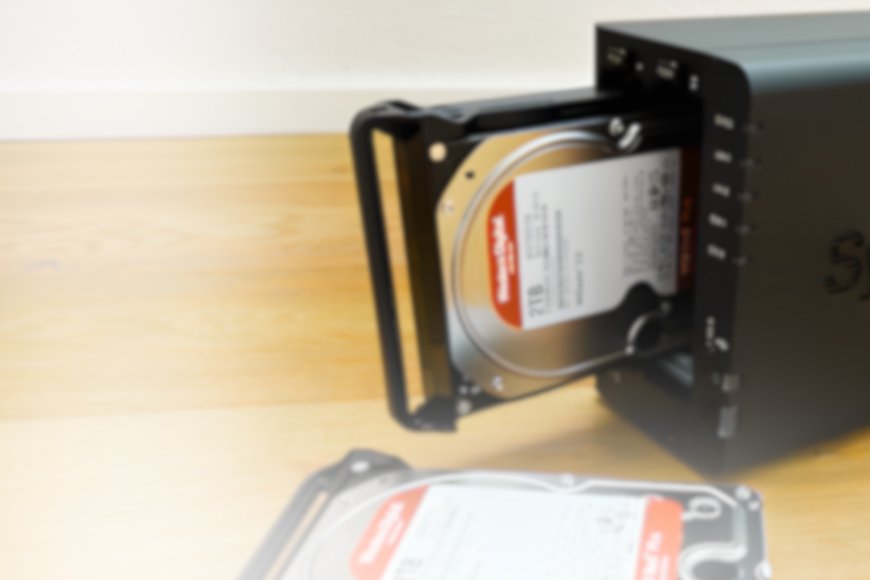
Backing up files may seem simple, especially if you employ a Network Attached Storage (NAS) system at home or in your workplace. Many individuals believe that once a file is copied to a NAS device, it is entirely protected. However, experts believe that simply storing information is insufficient to preserve sensitive data. Many users now rely on home servers, NAS storage, and automated backup systems to keep documents, images, and projects safe. However, even with these systems, data corruption can occur unexpectedly.
The Importance of Proper Backup Systems
One of the most recommended methods for protecting data is the 3-2-1 backup rule. This method suggests keeping 3 copies of important data, 2 different types of storage and 1 backup stored in a separate location. This approach helps reduce the risk of data loss, hardware failure, or accidental deletion.
Many NAS users also schedule backups automatically using tools like backup automation software. This makes the process easier and avoids the need for manual backups. But experts warn that backups must also be checked regularly.
Hidden Risk: Silent Data Damage
Silent data corruption is a serious issue that many people are unaware of. This occurs when files gradually become damaged without any noticeable warning indications. It can happen for a variety of causes, including improper system shutdown, file system errors, aging storage devices, and firmware issues. The main issue is that corrupted files may go undetected for months. Backup files may be damaged and unrecoverable by the time users become aware of the issue.
How Scrub Tasks Help Protect NAS Data
Many recent NAS systems employ complex file systems like ZFS, which include built-in techniques for detecting data errors. One key aspect is known as a scrub task.
When files are stored in systems such as TrueNAS using ZFS, the file system generates a unique digital fingerprint known as a checksum for each block of data. This checksum ensures that the saved data remains intact. During a scrub task, the system re-checks each file's checksum and compares it to its original value. If a file becomes corrupted, the system can detect the issue and in some cases, fix it automatically, particularly if redundant storage is available.
Experts recommend scheduling regular verification jobs or scrub scans to ensure backup files remain safe. For example short verification checks every two weeks or full data scans once a month. However, these scans should not run too often because they can put extra load on hard drives and NAS storage systems.
Users can also manually test their backups. One simple method is to restore random files from backup storage and check if they open properly.
Key Takeaway
The most important lesson for anyone using NAS storage, home servers, or cloud backups is that while backing up your data is important, checking those backups is equally important. Regular checkups, effective backup strategies, and dependable storage solutions can assist prevent irreparable data loss and keep important files safe in the long run.
This article is based on information from XDA Developers