Avoid Data Loss: Best Storage Options and Backup Tips for Long-Term Safety
Learn how long HDD, SSD, USB drives, and SD cards store data, risks like data decay, and best data backup strategies using cloud storage for secure long-term data protection and storage safety.
 Tech Author
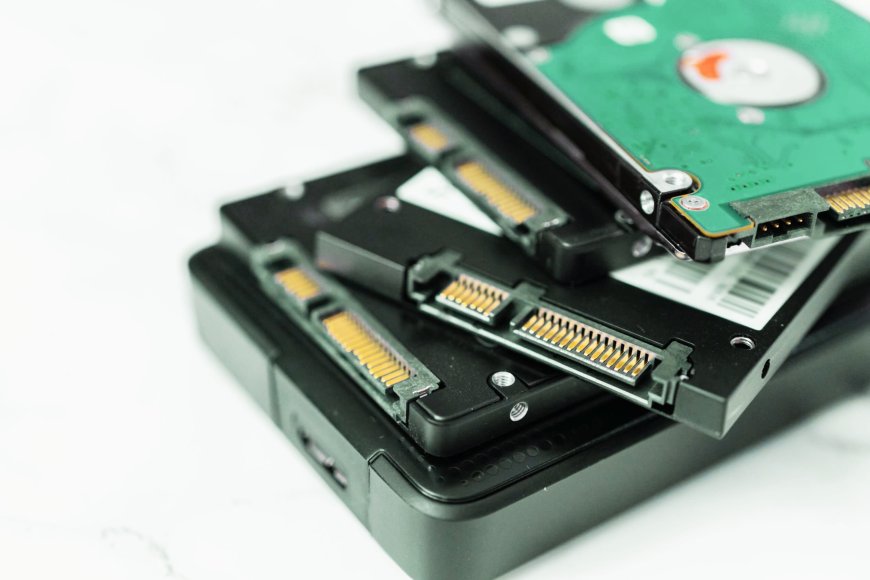
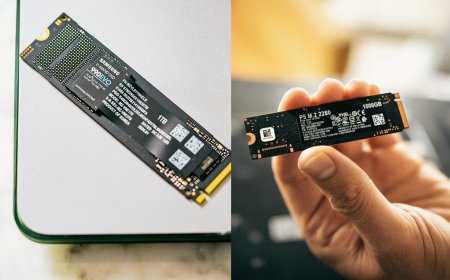
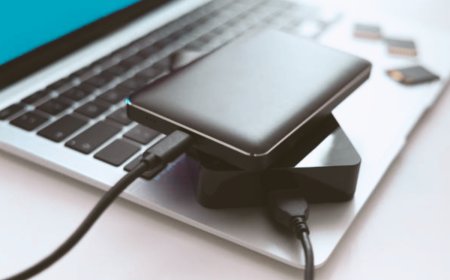
Many users often wonder how long different data storage devices like HDDs, SSDs, USB drives, and SD cards can safely store data. Understanding the lifespan of these storage options is important for protecting valuable files and ensuring long-term data safety. Each storage type works differently and has its own advantages and limitations. Choosing the right device depends on your usage, backup needs, and how long you want to keep your data secure without risk of loss.
Hard Disk Drives (HDD) Lifespan
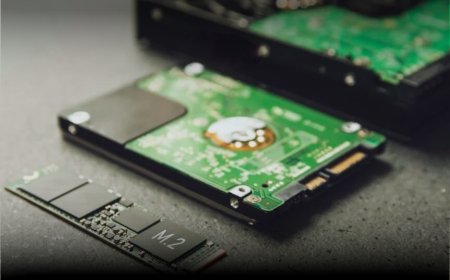
Traditional hard disk drives (HDDs) are noted for their longevity. A decent quality HDD can survive 5 to 10 years on average, and in many cases much longer with sufficient maintenance. If the drive is powered and used consistently, it can last for more than a decade. However, because HDDs have moving elements, they may fail due to hardware issues or aged components. Another critical issue is data degradation. Over time, stored data may weaken or get corrupted as the magnetic or electrical signals that represent it gradually weaken. To avoid this, users should check and update their data on a frequent basis.
SSD and Flash Storage Lifespan
Modern solid state drives (SSD) are faster and more reliable for daily use. SSDs use flash memory, which has a limit on how many times data can be written. However, modern SSDs are designed to handle hundreds of terabytes of data writes, which is more than enough for most users. Unlike HDDs, SSDs do not have moving parts, but they can still face issues if left unused for long periods. Over time, stored data may slowly fade if the drive is not powered on. That’s why it is recommended to turn on the drive frequently and check important data.
USB Drives and SD Cards
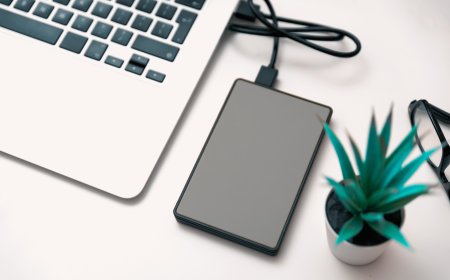
USB flash drives and SD cards are useful for data storage and transfer due to their portability and ease of usage. However, low-quality or cheap devices may fail unexpectedly, resulting in data loss. While they are useful for temporary storage, they are not ideal for long-term data backup because to their compared dependability and durability when compared to other storage choices. It is preferable to use them for temporary transfers rather than storing crucial files permanently. Users should look into more dependable storage options for safer backups.
Important Tip: Always Use Multiple Backups
No matter which storage device you choose, relying on a single backup is risky. Data can be lost due to hardware failure, damage, or unexpected events like accidents or system crashes. That’s why experts suggest keeping multiple copies of your data in different places. Along with physical storage devices, using cloud storage services adds an extra layer of safety. Cloud backup allows you to access your files anytime and protects your data even if your device is lost or damaged. Combining local backups with cloud storage is one of the safest ways to protect important data.
Final Thoughts
In terms of lifespan, both HDDs and SSDs can last many years if used properly. However, no storage device is perfect. For better data protection and long-term storage, users should combine multiple storage methods and regularly check their data. Choosing the right storage solution and following proper backup practices will help keep your important data safe and secure for years.
This article is based on information from How to Geek