Chrome Users Urged to Update After Critical Zero-Day Security Flaw Found
Google releases urgent Chrome security update to fix high-severity zero-day vulnerability CVE-2026-2441. The patch prevents remote code execution attacks and protects users from active Chrome exploits targeting browser security flaws.
 Tech Author
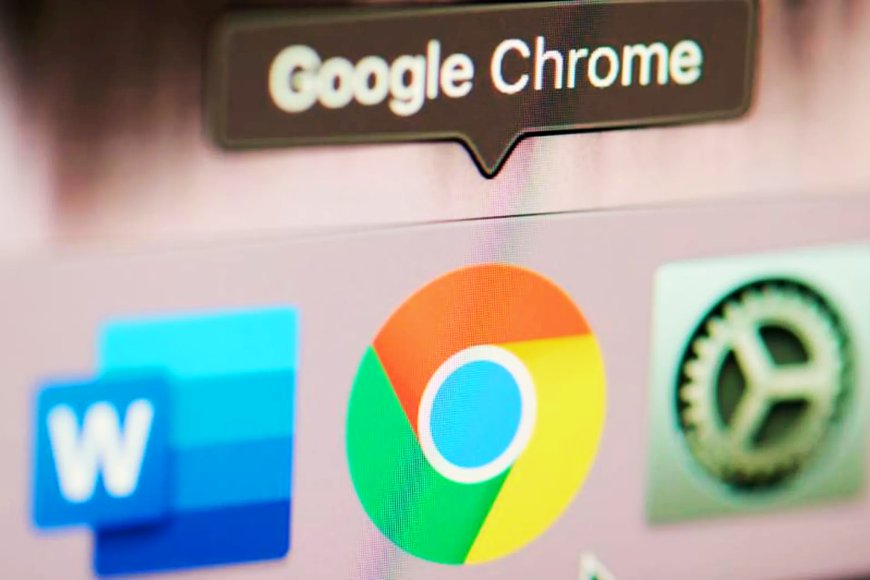
Google has issued an urgent Chrome security update to address the high-severity zero-day vulnerability known as CVE-2026-2441. This issue is already actively exploited by attackers, making it one of the most dangerous Google Chrome vulnerabilities of 2026 so far. The issue is related to how Chrome handles some font features in webpages. It is known as the "use-after-free" memory bug. To put it simply, the browser may attempt to access previously cleared memory. When this occurs, attackers can exploit the vulnerability and execute malicious code within the browser.
According to Google, the vulnerability might allow a remote attacker to execute arbitrary code via a specially crafted HTML page. Even if the attack occurs within Chrome's sandbox, it remains dangerous. The sandbox is intended to restrict what a malicious website can access. However, if an attacker gains access to that environment, they can still steal login information, hijack sessions, and redirect sensitive data. Google has fixed the vulnerability in Chrome versions 145.0.7632.75 and later. The new version is now available for Windows, macOS, and Linux users. If your browser is running this version or higher, your system is safe from this particular danger.
Updating Chrome is straightforward. Users can allow automatic updates, but they must restart their browser to finish the installation. To manually update, click the three-dot menu, select Settings, and then "About Chrome." The browser will check for the most recent update and install it. Security experts strongly advise updating soon because Chrome zero-day exploits are frequently employed in targeted cyber assaults. Even if attackers are unable to escape the sandbox, they can exploit this issue together with other vulnerabilities to install malware or steal sensitive data.
To keep safe, avoid clicking on suspicious links in emails or social media, set up automatic browser updates, and use trustworthy antivirus softwares with online protection. This latest Chrome zero-day security patch highlights the importance of keeping your browser updated. In today’s online world, even a small delay in installing updates can put your data and digital identity at risk.
This article is based on information from Malwarebytes