Leaving Your PC On 24/7? Know How Idle Power Consumption Affects Energy Efficiency
Wondering how much electricity a PC uses when left on 24/7? Learn about desktop PC power consumption, idle power usage, gaming PC energy consumption, sleep mode, and ways to save electricity.
 Tech Author
Many computer users leave their PCs running throughout the day, even when they are not using them. Some do this to keep downloads active, run background tasks, access files remotely, or avoid waiting for the computer to start again. However, leaving a computer switched on all the time can increase electricity consumption and affect overall power efficiency.
The amount of electricity a PC uses depends on its hardware, power consumption, background applications, and usage habits. While basic desktop computers and laptops generally consume less power when idle, powerful gaming PCs and workstations can use significantly more electricity.
How Much Electricity Does a PC Use When Idle?
A computer continues to consume electricity even when it is not actively being used. A basic desktop PC that uses around 30 watts while idle can consume approximately 14.4 kilowatt-hours (kWh) over a month if left idle for 16 hours every day.
Keeping the monitor switched on can increase overall power consumption. Similarly, connected devices and background applications may also add to the computer's total electricity usage.
However, actual power consumption varies depending on the computer's hardware, connected devices, and the number of hours it remains switched on.
Gaming PCs Consume More Electricity
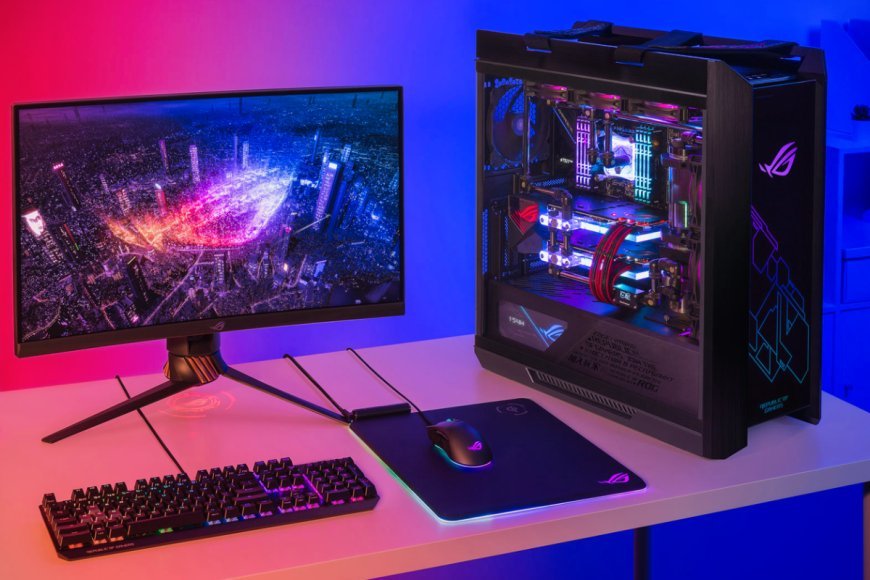
Unlike basic computers, high-performance gaming PCs and video editing systems often use more electricity, even when they are not performing demanding tasks. Powerful processors, graphics cards, additional RAM, and cooling systems can increase idle power consumption.
For example, a powerful PC using around 100 watts while idle consumes considerably more electricity than a basic desktop computer. Some high-end systems may even reach around 300 watts during idle periods.
This means leaving a powerful gaming PC running 24/7 can increase overall electricity consumption, particularly when it is used for demanding tasks throughout the day.
Background Apps Also Increase Power Consumption
Even when a computer appears idle, several applications and services may continue running in the background. Apps such as Discord, Slack, music players, file-sharing tools, and server software can increase power usage.
Although these applications may add only a few watts, their electricity consumption can increase over time. Running demanding tasks such as video rendering, gaming servers, and large downloads can raise power consumption even further.
Users can reduce unnecessary electricity usage by closing unused applications and selecting balanced or power-saving settings.
Sleep Mode Can Reduce PC Power Consumption
One of the easiest ways to save electricity is to use sleep or hibernate mode when the computer is not needed. In sleep mode, a PC uses significantly less power than when it remains fully active.
For example, a computer that consumes around 30 watts while idle may use only about 2 watts in sleep mode. This can significantly reduce overall electricity consumption.
Users can also adjust Windows power settings, reduce unnecessary background activity, and turn off the monitor when it is not in use.
Check Your PC's Power Consumption
Users who want to understand their computer's electricity usage can use a plug-in electricity meter to measure its actual power consumption. These devices show how much electricity a PC uses during active and idle periods.
Checking power usage regularly can help users identify unnecessary energy consumption and make better decisions about their computer's power settings.
Leaving a PC running 24/7 can increase electricity consumption, especially when using powerful gaming computers and workstations. Using sleep mode, closing background applications, and adjusting power settings can help reduce unnecessary power usage and improve energy efficiency.