Mass Storage Strategy: Why HDD Is Still Relevant in Modern PCs
Hard drives (HDD) remain the best cost-effective storage solution for backups, NAS storage, and long-term data storage. While SSD offers speed, HDD storage provides reliable mass storage, cold storage benefits, and smart backup flexibility.
 Tech Author
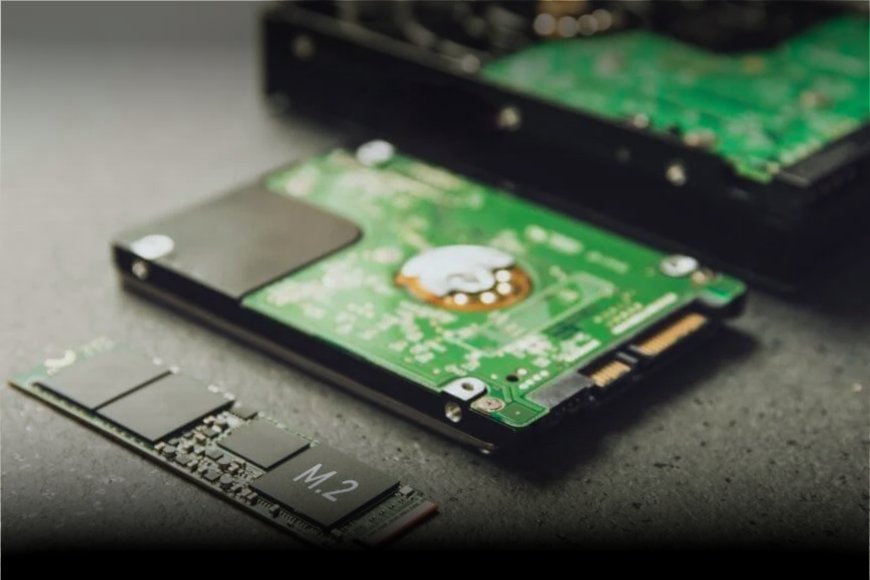
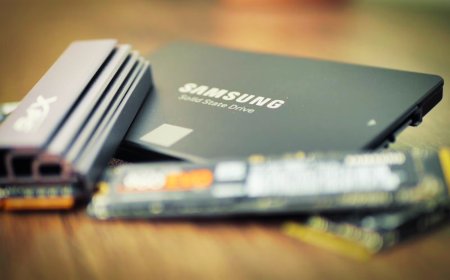
Most modern PCs now employ SSD storage rather than traditional hard disks. SSDs are extremely fast, silent, and ideal for running operating systems and software. They help your computer boot up quickly and open apps in seconds. Despite the popularity of SSDs, HDD storage (Hard Disk Drive) continues to play an essential part in modern technologies.
Hard Drives Still Lead in Cost-Effective Mass Storage
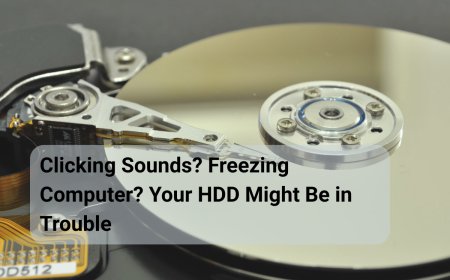
One of the key reasons hard drives are still relevant today is their high value in mass storage. HDDs have a big storage capacity, making them suitable for customers who need to save thousands of images, long videos, gaming files, backups, and crucial documents all in one location. While SSD storage prioritizes speed and performance, HDD storage provides users with more space for their digital demands.
Hard drives clearly outperform other storage types in terms of cost per GB. They allow customers to store large amounts of data without having to worry about running out of space. This makes HDDs an excellent choice for home users, students, small enterprises, and anyone who manages vast media libraries.
Not All Storage Needs SSD Speed: Why HDD Still Makes Sense
Many people believe that SSD speed is everything when choosing storage, but that is not always true. While SSDs offer faster transfer speeds and very low latency, not all files need high-speed performance. Everyday files like photos, videos, music, movies, and documents work perfectly fine on a traditional hard drive. Hard drives are also a better option for long-term storage, often called “cold storage.” Since HDDs store data magnetically, they remain stable even when left powered off for long periods. This makes them more reliable for archiving old backups, memories, or completed projects. In simple terms, SSDs are ideal for speed and daily work, but HDD storage remains a smart and practical choice for media files, backups, and long-term data storage.
Flexible Storage Options and Smarter Backup Strategy with HDD
HDD storage provides excellent flexibility for different setups. Hard drives can be used for substantial file storage in desktop PCs, external USB enclosures, and home NAS systems. Many desktops continue to use 3.5-inch hard drives, making upgrades simple to perform. With the rise of home NAS and self-hosting, HDDs remain a viable and cost-effective option for storing media and backups. While it is possible to build an all-SSD NAS, most users consider it unnecessary.
Hard drives also contribute to a good backup strategy. You can use an SSD for your operating system, programs, and games, and a hard drive for backups and huge files. This tiered storage approach provides speed where it is required while being cost-effective elsewhere.
In simple words, SSDs are best for speed, but hard drives are best for affordable storage and backup. The smart move is not choosing one over the other, but using both wisely. With rising SSD prices, HDD storage remains a practical and budget-friendly solution for modern computing.
Information referenced in this article is from How to Geek