NAS or Cloud Storage? How a NAS and Cloud Model Delivers Better Performance and Stronger Data Protection
Using NAS with cloud storage offers better data control, security, and cost savings. A hybrid storage approach combines local NAS performance with cloud backup, remote access, and disaster recovery benefits.
 Tech Author
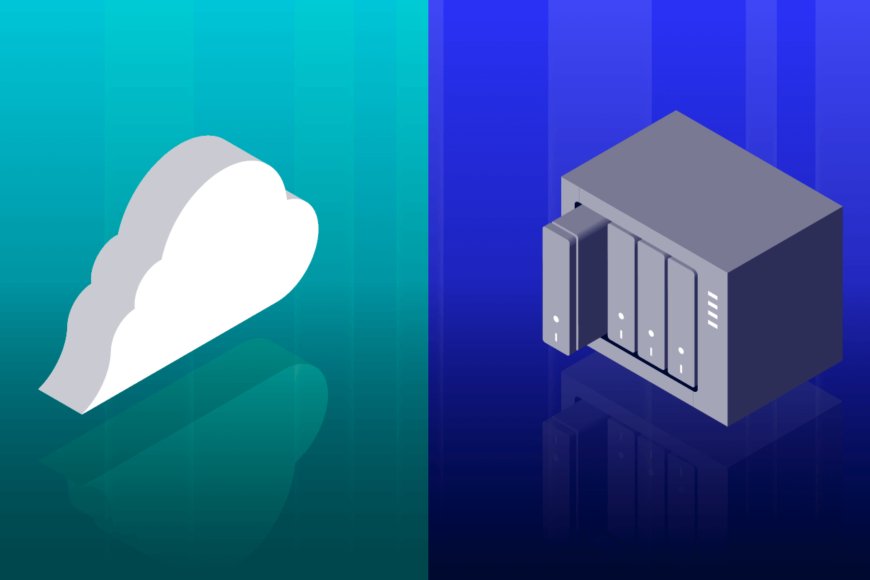
Many people now rely significantly on cloud storage to store documents, and backups. Services like Google One and iCloud make storage easy, automatic, and accessible from anywhere. However, as storage needs increase, so do monthly expenditures. This has led many users to choose NAS (Network Attached Storage) as an option. While a NAS appears to be an ideal cloud replacement, the reality is more balanced. The ideal option frequently involves combining NAS and cloud infrastructure.
A NAS appears to be a wise purchase. You pay a one-time charge for the NAS equipment and hard disks rather than monthly cloud subscriptions. You also have complete control over your data, with no limitations or regulations imposed by large technology corporations. On paper, NAS storage appears to be more cost-effective and private. However, once you begin utilizing it, you rapidly understand that local storage involves responsibilities.
The Hidden Costs and Risks of Relying Only on a NAS
Setting up a NAS is not cheap or effortless. A good NAS enclosure, reliable hard drives, and a power backup system require a big upfront cost. Beyond money, maintenance becomes your job. Cloud providers automatically protect your data by storing copies across multiple data centers. With a NAS, your data lives in one physical place. That means risks like hardware failure, fire, theft, power issues, or floods create issues.
To stay safe, NAS users still need off-site backups, and this is where cloud storage quietly comes back into the picture. Many people end up backing up their NAS to the cloud anyway. This hybrid approach may feel ironic, but it’s also practical. The cloud adds an extra layer of safety that a local NAS alone cannot guarantee.
Remote Access Challenges and the Role of NAS and Cloud Storage
Remote access poses another challenge. Cloud storage works seamlessly across multiple devices, locations, and networks. NAS remote access exists, but it depends on home internet speed, router stability, and manual setup. f your internet connection breaks down, your personal cloud disappears. Cloud systems, on the other hand, provide higher uptime, faster remote access, and built-in security capabilities such as encryption, version history, and disaster recovery.
That doesn't mean that a NAS is ineffective. When used properly, a NAS can be extremely useful. It is ideally suited for storing huge files, hosting a personal media server, managing creative projects, and doing local backups. Cloud storage is ideally suited for remote access, automatic backups, sharing, and crucial data security.
Why a Hybrid Approach Makes Sense
The smart approach is not choosing one over the other, but combining both. NAS for control and speed at home, cloud for safety and access everywhere. Together, they offer better performance, stronger data protection, and long-term cost balance. This hybrid storage model gives users the best of both worlds without unnecessary risks.
This article is based on information from XDA Developers