Why You Should Never Rely on a Single SSD, HDD, or External Storage Drive
Using one SSD or HDD for data backup can put important files at risk. Learn why reliable backup strategy, offline storage, cloud backup, and regular checks help prevent data loss.
 Tech Author
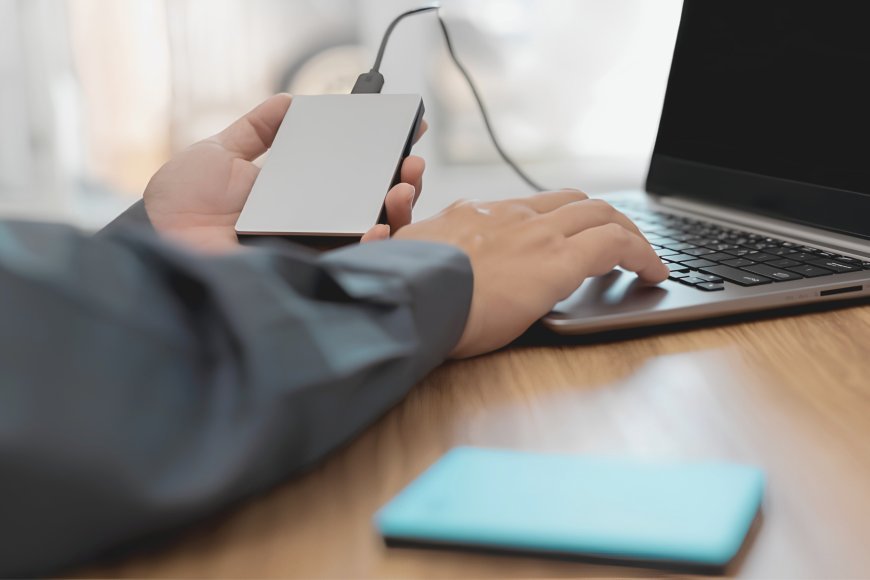
When it comes to safeguarding files, images, videos, and crucial documents, data backup, external drive backup, and cloud storage are important. Many individuals think that storing all of their files on a single external drive is sufficient, however there is a significant risk of data loss while doing so.
A storage drive may unexpectedly stop working. In addition, a faulty cable, bad sectors, accidental drops, or power issues can all harm it. Losing the drive could also result in losing the data if it is the only location where your crucial files are kept.
A Single Drive Is Not a Real Backup
Although having a external drive is preferable than having no copy at all, it shouldn't be regarded as a full backup. There could not be another copy available if the drive fails, damaged, or stolen. An external drive that is constantly linked to a computer poses a risk as well. Files on the linked drive may be impacted by malware, including ransomware. Important files may also be accidentally deleted from the backup.
For this reason, users should follow the 3-2-1 backup strategy. This means keeping three copies of important data, using two different types of storage, with at least one copy stored in a different location.
Your Backup Drive Is Not the Only Risk
A storage drive is merely one component of the backup system. Other components that may fail include the USB cable, computer port, hub, docking station, or drive enclosure. A poor-quality cable can cause connectivity issues during file transfers. USB hubs can also disconnect unexpectedly. In some situations, a low-cost SSD or HDD enclosure may become overheated or experience USB connectivity issues. These flaws can lead files to become corrupted, particularly when a drive is disconnected while data is being written.
Better Backup Habits Can Protect Your Files
One simple option is to keep at least one backup drive offline when it is not in use. This minimizes its vulnerability to malware, accidental deletion, and other computer issues. It's also a good idea to have another backup in a separate physical location. Important family photos, for example, may be saved on an external drive at home and then backed up in a different place or on a trusted cloud storage service.
Users should also review their backups on a regular basis. Once a month, review a few backup files to ensure that pictures, videos, documents, and other vital material are working properly. Remember that backups are useful when files can be restored. No SSD, HDD or USB drive is totally immune to failure.
The best approach is that don't trust one storage device with your important data. Multiple copies, different storage locations, and regular checks can greatly reduce the risk of unexpected data loss.
This article is based on information from How to Geek