Best Ways to Reuse an Old SSD or HDD for Extra Storage, Backups, and Portable Storage
Don't throw away your old storage after upgrading your PC. Reuse old storage drives as portable storage, bootable USB drives, or network storage to save money, increase storage space, and reduce electronic waste.
 Tech Author
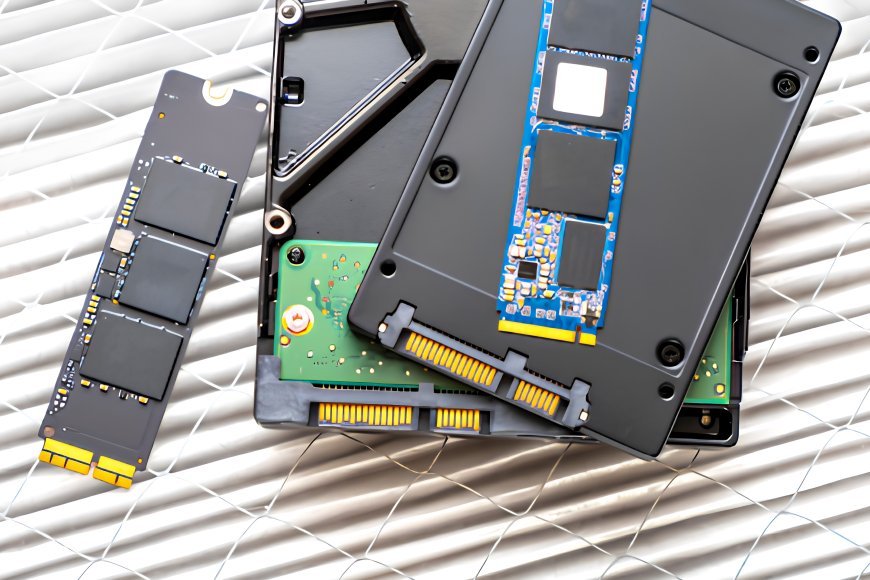
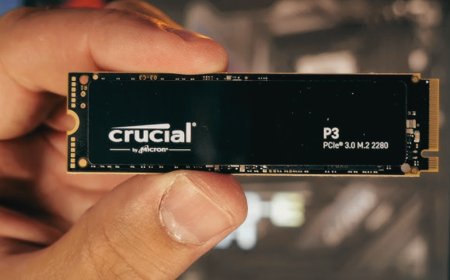
If you have an old SSD or HDD stored somewhere in a drawer after updating your computer, do not discard it. Even if it is no longer fast enough for your main computer, it can still be useful in a variety of ways. As new technologies emerge, such as PCIe 5.0 SSDs, many individuals upgrade their older storage drives. However, those outdated disks can still offer additional storage, backups, and other helpful features.
Turn Your Old Storage Drive Into a Portable Drive for Low-Cost Storage
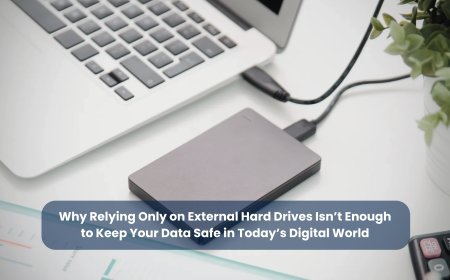
One of the easiest methods to reuse an old SSD or hard drive is to convert it into a portable drive. All you need is a compatible SSD or HDD enclosure that supports both SATA and NVMe devices. Once connected, the drive transforms into a portable storage device that you may use to back up images, videos, documents, and important files. This is sometimes far less expensive than purchasing a completely new external storage media.
Turn Your Old Drive into a Bootable Drive
An old drive can also be turned into a bootable USB drive. You can install Windows setup files, Linux, or recovery tools on it to fix computer problems, reinstall the operating system, recover important files, or scan for viruses. A bootable drive is very useful during emergencies because it helps you repair your PC quickly without needing another computer. Keeping one ready can save both time and effort.
Turn Your Old Drive into Network Storage
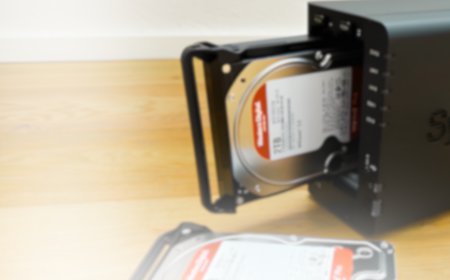
Another effective way to repurpose an old storage is to make it available through your home network. You can do this by connecting the drive into a compatible NAS (Network Attached Storage) device or, if your router supports it, attaching an external drive directly to its USB port for simple file sharing. Both methods let you create your own personal network storage and reduce the need for paid cloud storage services.
Instead of letting an old SSD or HDD collect dust, giving it a second life helps you save money, reduce electronic waste, and make better use of your existing hardware. With a few simple upgrades, an old storage drive can continue serving useful purposes for many more years.