Simplify Your Online Security with Passkeys and Biometric Authentication for Safer Logins
Google's Passkeys is a password-free login system that enhances cybersecurity through biometric authentication like fingerprints or face scans. Passkeys protect against phishing, hacking, and data breaches, offering secure, convenient, and seamless account access across all devices.
 Tech Author
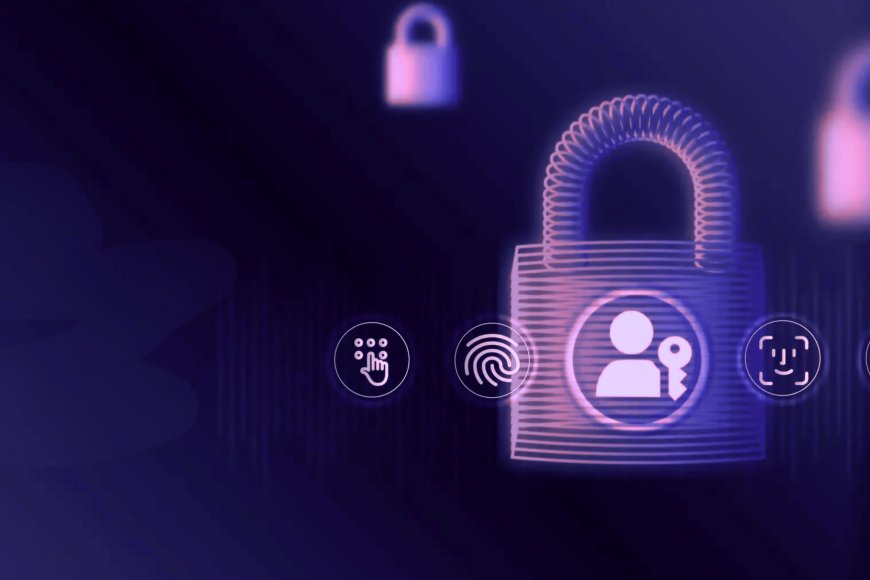
Google is making a significant stride towards a future without passwords by introducing Passkeys, a new method of securely signing in without the need to remember or type passwords. Google Passkeys utilises your fingerprint, facial scan, or screen lock to authenticate your identity, as opposed to conventional passwords. This action is intended to enhance the security and convenience of millions of users worldwide.
Why Passkeys Are Safer Than Traditional Passwords
Passkeys are digital credentials kept securely on your device. They use encrypted keys to prove your identity when you log into your account. Passkeys, unlike passwords, cannot be compromised, stolen, or phished because they never leave your device.
Passkeys use public key cryptography, a highly secure mechanism in which your device stores a private key while Google's servers only store a public key. Even if an attacker gains access to Google's database, they cannot utilise that information to enter into your account. Importantly, your biometric data (such as your face or fingerprint) is stored only on your device. It's never shared with Google or uploaded online, so the login process is both private and safe.
Simple Steps to Set Up Your Passkey
Setting up a Google Passkey is very easy and takes just a few minutes. First, visit myaccount.google.com/signinoptions/passkeys while you are signed in to your Google account. You’ll be asked to verify your identity by entering your current password. Then, click on “Create a Passkey” and follow the instructions shown on the screen. When your browser asks for permission to use passkeys, click “Allow.”
If you are using an Apple device, make sure iCloud Keychain is turned on so your passkey can sync across devices. Finally, confirm the setup using your fingerprint, face recognition, or screen lock. Once it’s done, your passkey will be ready to use automatically on all your connected devices, making logins faster and more secure without the need to remember passwords.
Sign In Using Passkeys Instead of Passwords
Once your passkey is enabled, signing in becomes effortless. Just enter your email address on the Google login page, and instead of typing a password, unlock your device using biometrics or your screen lock.You’ll be instantly logged in, no need to remember long passwords or wait for two-factor codes.
The Future of Secure Logins
Google Passkeys are creating a safer and easier way to log in without passwords. They help protect users from phishing attacks and password leaks. Your accounts stay secure because no one can steal or guess your passkey. It also saves time by removing the need to remember long passwords. Overall, Google is making online logins simpler and more secure for everyone.
Source: Times of India