
Google Drive for Desktop Update Adds Ransomware Protection to Stop Malicious File Syncing and Protect User Data
Google Drive introduces new ransomware detection and bulk file restoration features to improve cloud storage security. The update helps detect ransomware attacks, stop infected file syncing, and restore files easily.
 Tech Author
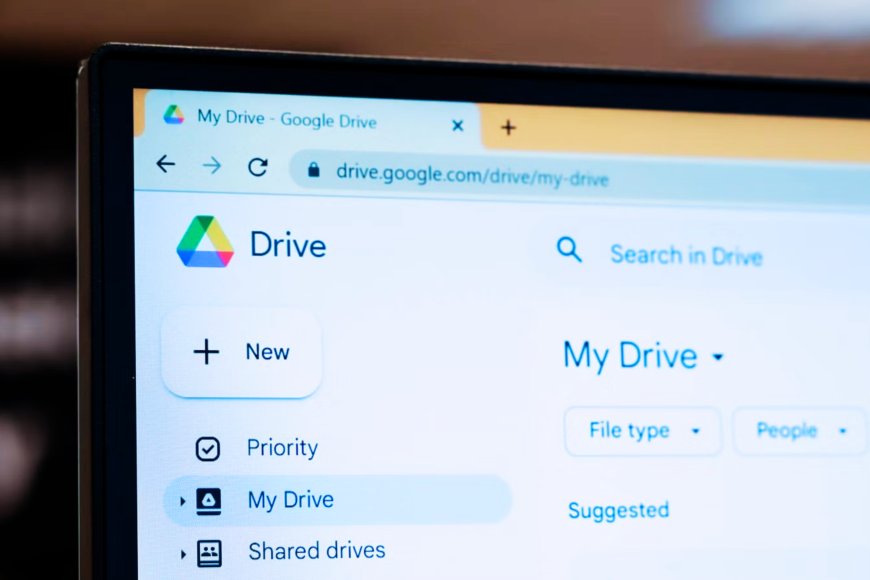
Google started rolling out new ransomware detection and file restoration tools for Google Drive in an effort to boost cloud storage security and data protection. These features were first put into beta testing in September of last year, and they are now progressively becoming available to consumers.
With cyber threats and ransomware attacks on the rise globally, Google states its new tools is designed to detect suspicious activity early and secure data saved in Google Drive.
The new security feature is compatible with Google Drive for desktop. Once installed on a computer, the application can monitor files and detect any strange activity that could suggest a ransomware attack. If the system identifies a potential threat, it will immediately suspend file synchronization between the device and Google Drive cloud storage. This method helps to keep infected files from spreading to other stored data.
Users will also receive a desktop message alerting them to the suspicious activities. Administrators of enterprises or organizations utilizing Google Workspace will receive an email alert, allowing them to swiftly investigate the issue. Google says its upgraded ransomware detection methods can now detect more threats than before, making cloud storage safer for users.
Another significant feature of this upgrade is the bulk file restoration tool. If files are impacted by a ransomware attack, users can now restore several files to their previous versions all at once. Previously, users had to manually rescue files from version history, which might be time-consuming. The new tool simplifies the procedure and allows customers to recover important data fast without paying a ransom. This functionality is extremely handy for those who keep documents, work files, and backups on Google Drive.
Google has also included another useful feature. Users may now edit password-protected Microsoft Office files directly in Google Drive, which simplifies document management.
The file restoration feature is available to all Google Drive users, including those with free personal accounts. However, the active ransomware detection feature is only available on specific paid Google Workspace plans, including Business Standard and Enterprise Plus. Additionally, the new security tools require Google Drive for desktop version 114 or later, so users should ensure that their program is up to current.
These updates highlight Google’s growing focus on cloud storage security, ransomware protection, and data recovery tools. For users and businesses, keeping Google Drive updated and enabling security features can help protect important files from cyber threats.
Information referenced in this article is from Neowin